You may have been assigned a test in TimeBack and you need to know how to take it, or you may have heard about AlphaTest and may be curious about how to use this app. Look no further! This article has you covered.
Important
- If you are a new student and don't know what to do about Placement tests, or you are an existing student and need to have a test assigned, please talk to your Guide or Contact Support for assistance.
- You can review your previous test scores in the AlphaTest Dashboard.
Solution
Taking tests in AlphaTest is very easy!
1. You will see your test assigned in TimeBack near the top, along with important details like the exact name of the test, base XP value, subject, and grade.
- Tip: If you have more than one test, you might see the other one(s) under Up Next or Completed Today. Click to see them.
- If you take too long to take an assigned test, your course may become blocked in TimeBack until you complete the test. It's important to take tests as soon as possible!

2. Make sure you're ready and in an appropriate space where you can work on your test comfortably. Click on the Start Assessment button to launch the test.
3. Select Continue with Google and use your school email account to sign in.
4. Wait for the test to load, carefully read the Testing Guidelines, then scroll down and click Start Test once you're ready.
5. During the test, you will have some helpful buttons in the bar near the top (green arrow below); place your cursor over them without clicking to learn what they do. If there seems to be an issue with a question, you can also report this using the yellow bell icon (red arrow below).

6. It's often better to complete the test in one go, but if you need to interrupt the test, use the red Exit Test button near the top-right corner. Follow the instructions there; your progress will be saved. To resume your test, go to the AlphaTest dashboard and click on the paused tab. Then you can click the "Continue" button.
7. After submitting the last question, you will have a chance to review your questions again and see if you missed answering any of them. Click on any question to go back and review it.
8. Click Submit Test when you're ready and follow the instructions on screen.
- If you get any errors while trying to submit your test, don't worry, your progress is saved as long as your device stays connected to the internet. You can try again, or exit the test and then come back to try again. If nothing works, Contact Support for assistance.
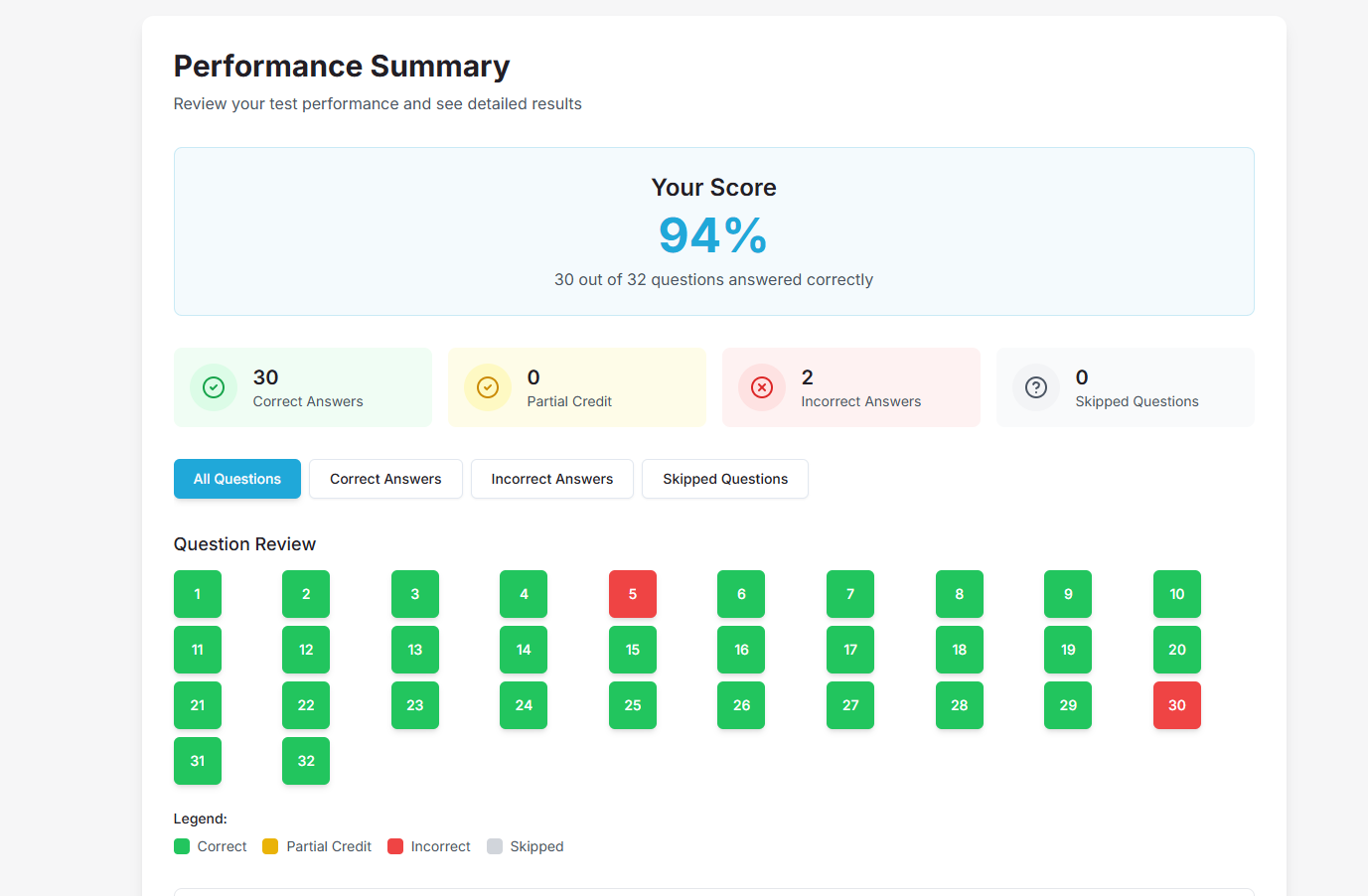
9. Your test will be graded in just a few moments, and you'll see your score! This includes Writing tests.
-
Writing tests are scored automatically once you submit, including the essay, which is marked against the rubric. If your essay box is empty when you submit, the essay scores zero, so check that your essay appears in the answer box before you submit. If your score still does not appear, Contact Support. You can consult your test scores in the AlphaTest Dashboard.
FAQ
1. I submitted my test but there's no score, it wasn't graded, the test is stuck "Awaiting Evaluation." What do I do?
Most tests show a score within a few moments, including Writing tests. Refresh the AlphaTest Dashboard. Some answers need a person to grade them, so a few scores take longer to appear. If your score still does not appear, Contact Support for assistance.
2. I can't submit my test, there is an error. What do I do?
Your progress is saved as you go while your device is connected to the internet. Answers entered while your connection is down are stored only on your device and may not be saved yet, so check your connection first and try again on the same device. Do not switch to another device. If it still does not work, exit the test and then come back to it on the same device and try again. If you still have issues, Contact Support for assistance.
3. How can I see the correct answers for a test I submitted?
It's not possible to see the correct answers to the questions you got wrong. If you score less than 90% on a test, you will be enrolled in a course a few minutes later to help you better understand the concepts and determine the correct answers on your own.
- Note: If you're still going through placement, you may receive a test for a lower grade level instead. However, you will still receive a course covering the necessary knowledge, either during the placement process or after you've completed it.
Alonso Aguirre
Comments